
If your emails keep landing in spam, or worse, silently vanish with no bounce and no explanation, the cause is very often not your writing, your subject lines or a shady link. It is that receiving mail servers have no way to confirm your messages actually came from you.
Three DNS records fix that: SPF, DKIM and DMARC.
- SPF lists which mail servers are allowed to send email using your domain.
- DKIM signs outgoing mail so a receiver can confirm it was not altered.
- DMARC tells a receiver what to do with mail that fails those checks.
Why this matters even if you send very little email
Anyone can put your domain in the “From” field of an email, regardless of whether you have ever sent one yourself.
Without these records in place, a receiving server has no way to tell your genuine email apart from someone forging your address. So it falls back on reputation signals and spam heuristics, which is exactly the category your real emails can get caught in.
What each record actually does
SPF (Sender Policy Framework)
SPF is a DNS TXT record listing which mail servers are allowed to send email using your domain.
A receiving server checks the server the message actually arrived from against that list. Anything not on it fails the check.
A record’s ending matters as much as its existence:
-allmeans “reject anything not listed”. This is the strict, correct setting.~allmeans “mark as suspicious but still deliver”. This is a softer, transitional setting.+allexplicitly authorises every server on the internet to send as you. This is almost always a mistake, and it defeats the purpose of having a record at all.
Example
Suppose example.com sends all of its mail through one email host. Here that host is shown as the placeholder _spf.mailhost.example; the real value comes from whichever service sends your mail.
example.com. IN TXT "v=spf1 include:_spf.mailhost.example -all"This record ends in -all, the strict setting. Ending it in ~all instead would be the softer, transitional setting. Replacing the ending with +all would authorise every server on the internet.
DKIM (DomainKeys Identified Mail)
DKIM adds a digital signature to outgoing mail using a private key. The matching public key is published in your DNS.
A receiving server checks the signature against that public key. This confirms the message was not altered after it left your server, and that it genuinely came from a server holding your private key.
DMARC (Domain-based Message Authentication, Reporting and Conformance)
DMARC is the policy layer sitting on top of both of the above. It tells a receiving server what to do with a message that fails SPF and DKIM:
p=nonetakes no action and only asks for reports.p=quarantineroutes failing mail to spam.p=rejectrefuses it outright.
Without a DMARC record at all, a receiving server that detects a failure has no instructions on what to do next. You also get no visibility into what is failing or why.
Example
A first DMARC record for example.com, set to monitoring only. It is published as a TXT record at _dmarc under the domain, and rua is the address that receives the reports:
_dmarc.example.com. IN TXT "v=DMARC1; p=none; rua=mailto:you@example.com"Tightening it later means changing only the policy value, first to p=quarantine and eventually to p=reject.
A DMARC record stuck on p=none indefinitely is monitoring, not protection – it collects reports but does not actually stop a forged email from reaching an inbox. Moving to quarantine or reject is what makes the record do anything, and it is worth doing deliberately once you have reviewed the reports and are confident your own legitimate mail is not being caught.
A common trap: getting this wrong can block your own mail
Setting these records up carelessly can silently block your own outgoing mail instead of protecting it.
A particular risk is moving DMARC straight to reject without first checking that SPF and DKIM actually pass for every legitimate service you send through: your own mail server, a marketing platform, a CRM, an invoicing tool.
The safer order
- Publish SPF and DKIM first.
- Add DMARC at
p=noneand watch the reports for a while. - Once you are confident everything legitimate is passing, tighten to
quarantineand eventuallyreject.
Example
Example Client sends everyday mail from its email host and sends invoices from a separate invoicing tool. Its SPF record lists only the email host, and only the email host signs mail with DKIM.
- The invoices pass neither SPF nor DKIM.
- At
p=none, receivers take no action on them, and the failures show up in the DMARC reports. - At
p=reject, receivers would refuse every invoice outright.
Watching the reports at p=none first is what reveals the missing service before it causes harm.
Where to add these records
All three are added in your domain’s DNS settings, wherever you manage DNS for your domain. That is your domain registrar or your hosting provider, depending on where DNS is hosted.
The exact SPF and DKIM values usually come from whichever service actually sends your mail, since the record has to list their servers specifically. That could be your email host, or any marketing or transactional email platform you use.
If you are not confident making DNS changes yourself, this is a reasonable thing to hand to your hosting provider or a developer: the records themselves are short, but getting the SPF server list and the DMARC rollout order wrong can cause real mail delivery problems.
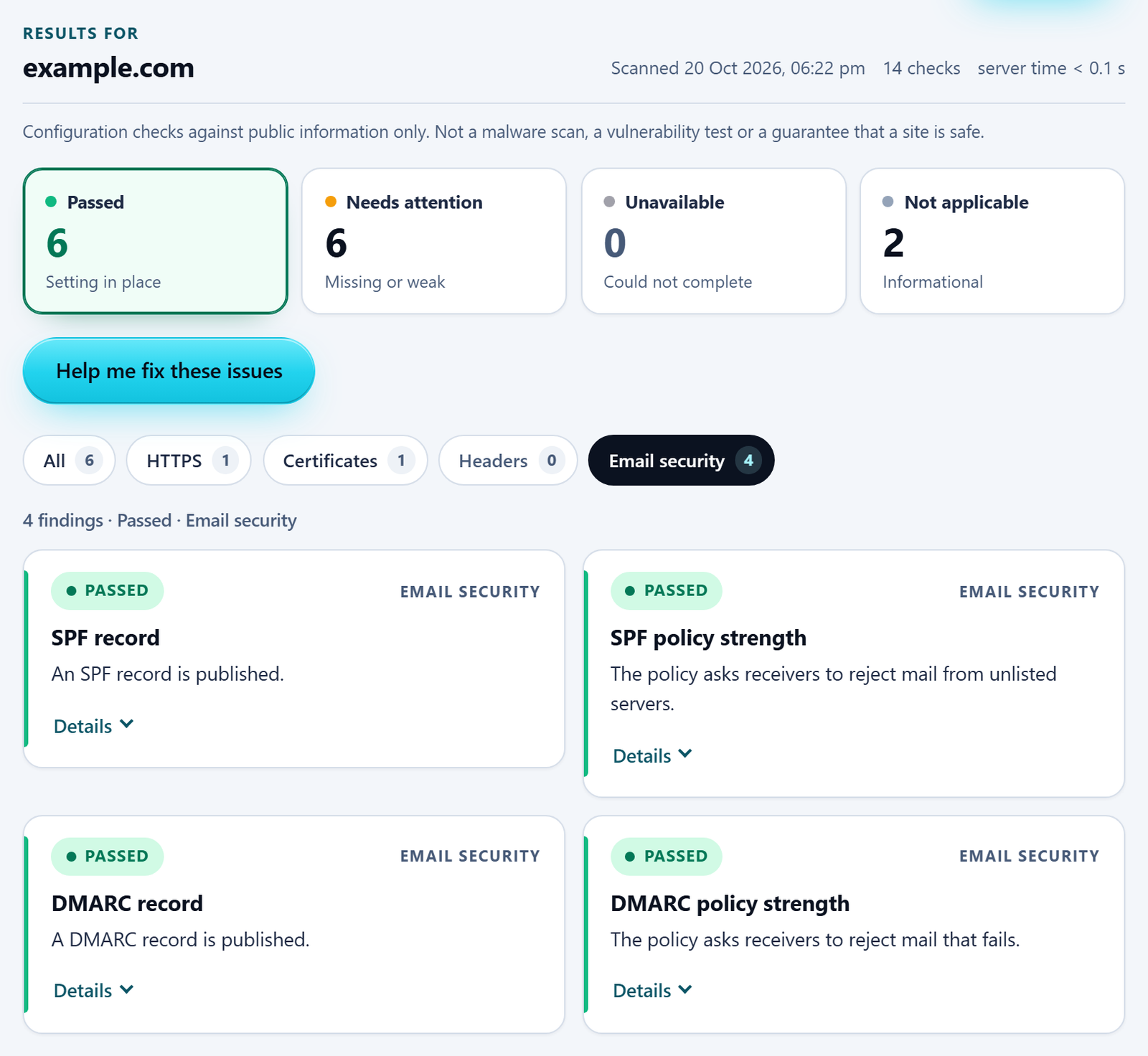
In the free checker’s results, the SPF and DMARC findings sit under the Email security filter.
Check whether your domain publishes these records
The free checker below looks up your domain’s SPF and DMARC records, reports whether each is present and how strict its policy is, and explains any gap in plain English.